The bar picks the route
Nothing attached renders from text alone. A single still becomes the first frame. Anything richer — more images, a clip, an audio track — runs as a reference set. Same prompt, same settings, no mode switch to remember.
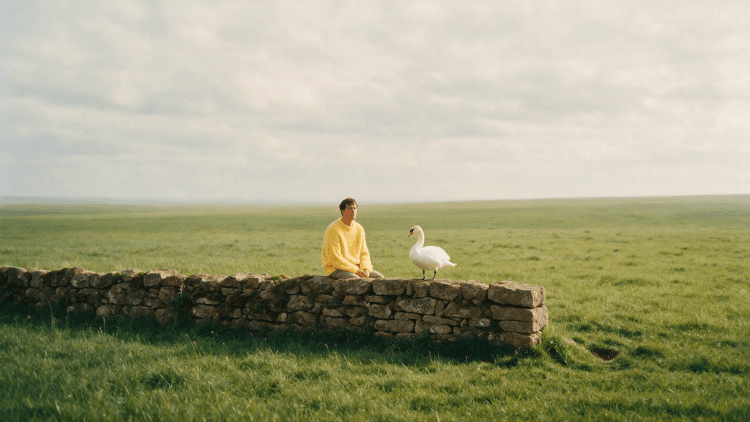
Generate videos up to 15 seconds long from as many as 15 references—across video, image, and audio. H3 follows complex instructions, transfers motion, and renders text beautifully. And it produces dialogue, music, and sound effects in native stereo.
Nothing attached renders from text alone. A single still becomes the first frame. Anything richer — more images, a clip, an audio track — runs as a reference set. Same prompt, same settings, no mode switch to remember.
Attach one image and it opens the shot. Camera move, weather, fabric and light all come out of the prompt, and the clip keeps the still's own shape.
Up to nine images, three clips and three audio tracks in one run, each with a handle: “@image1 is the first frame, @video1 is the motion, @audio1 is the score.” Mention something that is not attached and the run is held back until it matches.
720p for exploring, 2K for the keeper — the choice is the same whether you started from text, a still or a reference set. Aspect runs 21:9 through 9:16 on the text and reference routes; a still you animate keeps its own.
4 to 15 seconds, picked from 4, 6, 8, 10, 12 and 15. Every route uses the same range, and length is priced per second of output.
What is attached decides. An empty attachment row renders from text alone; exactly one image becomes the first frame; anything more — extra images, a clip, an audio track — runs as a reference set. You never choose a mode.
Up to nine images, three video clips and three audio tracks in one run. The first five images are free and each one past the fifth is billed as an extra input. Reference clips are read up to 15 seconds in total across all three, and a set that runs over is flagged before you spend anything.
Every attachment gets a handle — @image1, @video1, @audio1 — that the prompt can point at, so one sentence can say which reference is the subject, which is the motion and which is the sound. A mention with nothing behind it blocks the run rather than being sent as literal text.
720p or 2K on every route. Aspect covers 21:9, 16:9, 4:3, 1:1, 3:4 and 9:16, or Auto. Auto hands the framing to the model on the text and reference routes; a still you animate is never re-framed, so its own shape carries through.
No. Reference audio rides alongside a reference image or clip — an audio-only set is held back before it is submitted.
Yes. Any image in a project offers Animate in its Edit menu, which lands it in this app's attachments with the prompt bar ready.