Image Studio
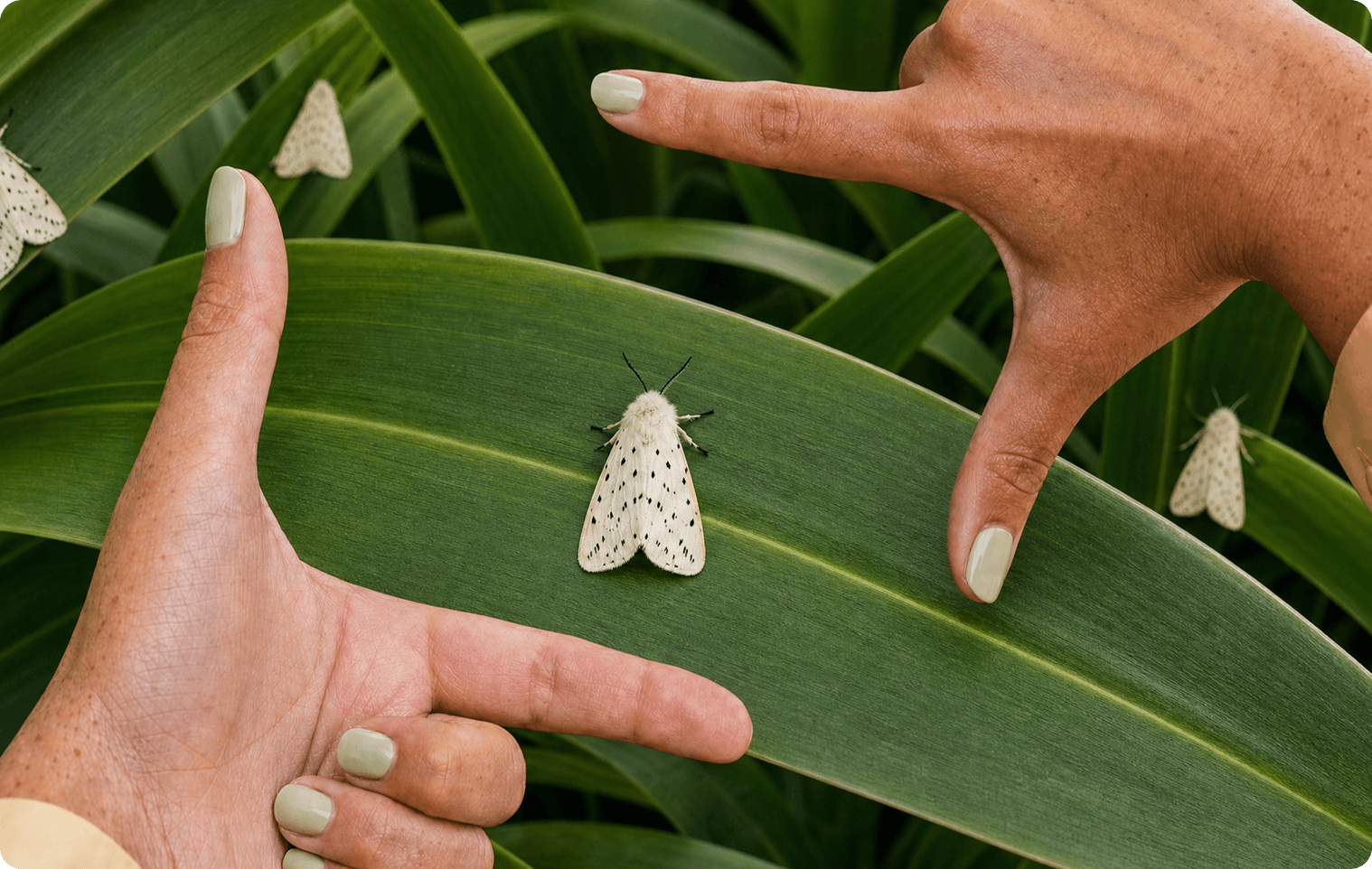
Craft an original image with maximum creative control. Attach up to 16 references to capture the exact subject, setting, style, or product you want, and @mention them in the prompt to specify how you want them used. Change image models if you have a particular favorite.
Frequently Asked Questions
Can I generate an image from text?
Yes. Describe the subject, setting and style, then choose an image model.
Can I use photo references?
Yes. Add references for a subject, product or visual style, and mention how each should guide the image.
How do I use Image Studio?
1. Describe the image: Write the subject, setting, lighting and style you want. 2. Add references: Attach images if you want to guide the subject or look. 3. Choose a model and generate: Select an image model, create a result and refine your prompt.