Edit Image
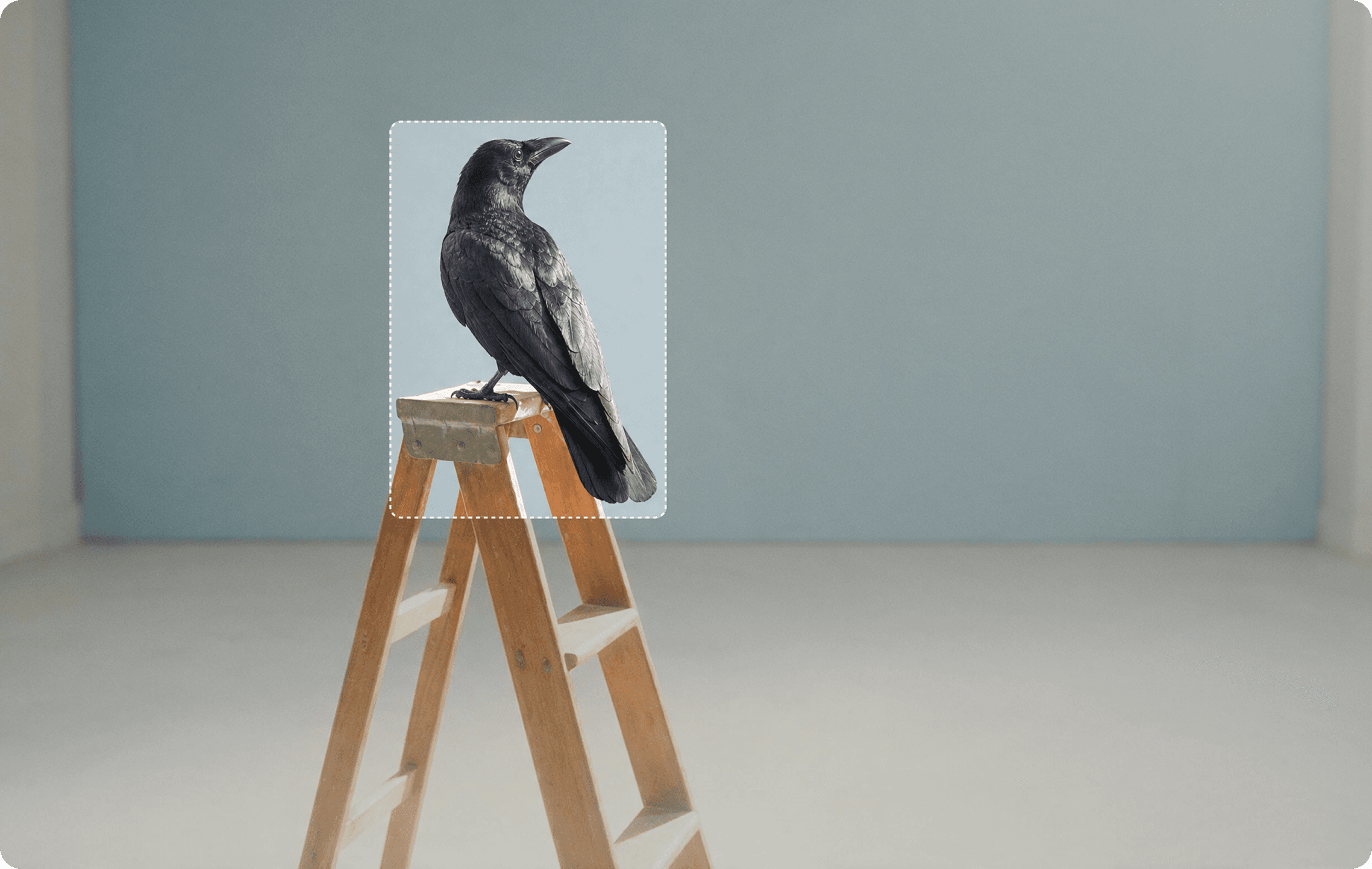
Get fine-grained control over your image. Expand beyond the original dimensions, or upscale it to a higher resolution. Swap a background, remove an object, restyle the wardrobe, or fix the color. Edit Image only applies the change to the part of the frame you specify, so you get a revision of your shot, not a whole new picture.
Frequently Asked Questions
Can I edit a photo with a text prompt?
Yes. Upload the photo and describe the changes, such as a new background, outfit or color.
Can I expand or upscale an image?
Yes. Use the expand or upscale workflow to change the frame or increase resolution.
How do I use Edit Image?
1. Upload your image: Add the photo you want to revise. 2. Describe the edit: Specify what should change, or choose expand or upscale. 3. Generate and compare: Review the result against the original.