Extend Video
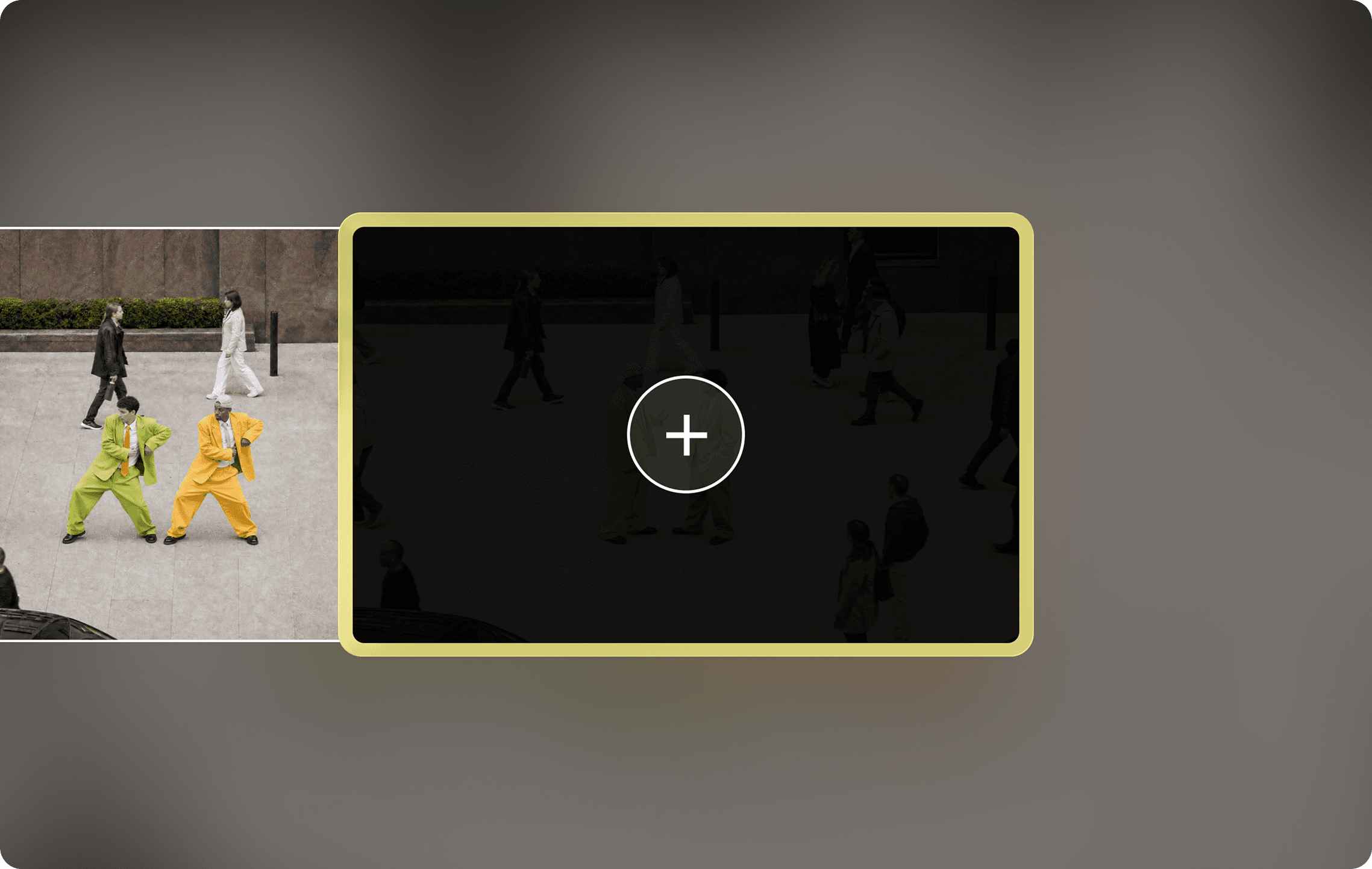
Add up to 8 seconds to the end of your clip. Extend Video picks up from your final frame, and keeps the scene going—same subjects, motion, sound, and look. The transition between new and existing footage is imperceptible.
Frequently Asked Questions
Where does Extend Video add new footage?
It continues the scene from the end of your source clip.
How do I guide what happens next?
Describe the action or camera movement you want after the final frame.
How do I use Extend Video?
1. Upload your clip: Add the video you want to continue. 2. Describe what happens next: Guide the next action or camera movement. 3. Generate the continuation: Review how the new footage connects to the original.