Text that survives the render
Headlines in extended caps, a date chip, a letterspaced credit line, tiny justified fine print — set in the image, at the size and hierarchy you asked for, instead of the usual glyph soup.
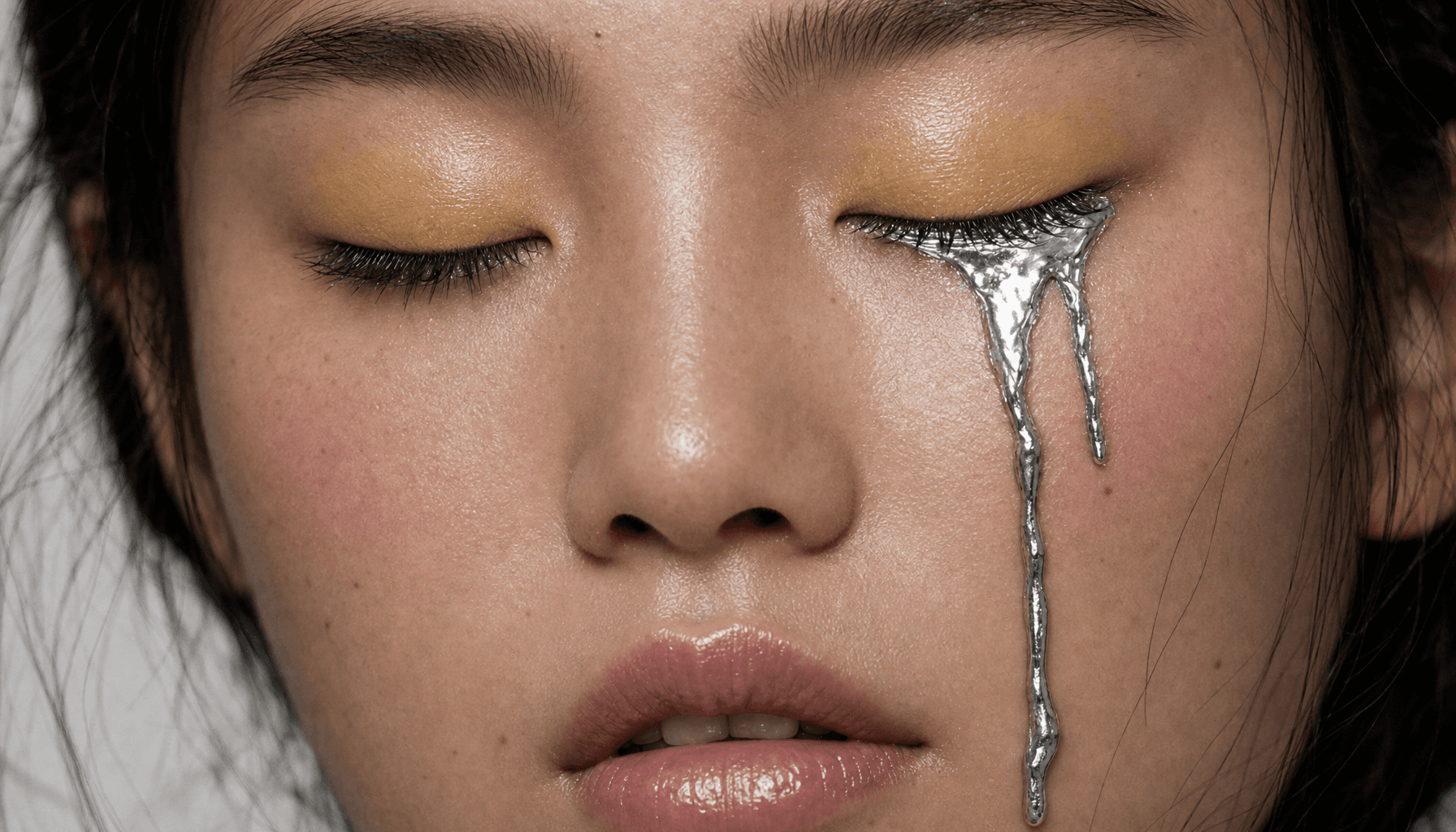
GPT Image 2.5 is OpenAI’s state-of-the-art image model. Prompt from scratch, build from multiple image references, or edit an existing visual. Plus, you can export PNGs with transparency.
Headlines in extended caps, a date chip, a letterspaced credit line, tiny justified fine print — set in the image, at the size and hierarchy you asked for, instead of the usual glyph soup.
Attach the frame and describe the single change: swap the dried stems for one tulip, deboss a folk pattern along a lid's rim, let the butter start to melt. Framing, lighting, palette and grain hold while that one thing moves.
Composition and camera from the first image, the hero element from the second, the finish from a third. Attach up to 16 and describe how they should come together in a single frame.
Set Background to Transparent and the render lands as PNG or WebP with real alpha — a product, an icon or a mascot that drops onto a layout with nothing to key out.
No. With nothing attached the prompt renders on its own. Attach one to sixteen images and the same prompt runs as an edit against them instead — one composer, both jobs.
Auto hands the shape to the model. Square, Portrait 4:3, Portrait 16:9, Landscape 4:3 and Landscape 16:9 set it explicitly, and Square HD renders the square at 2K.
Set Background to Transparent. Alpha only survives in PNG or WebP, so JPEG greys out while it is selected and a draft that was on JPEG renders as PNG rather than refusing.
Low is the default here and the fastest to come back; Medium and High push detail and fine type further; Auto lets the model decide. Nothing else about the request moves.
One. Each Generate is a single render, so a variation is another run with the prompt you just adjusted.
PNG, JPEG or WebP. PNG is the default, and JPEG is unavailable while Background is set to Transparent.
Not from this panel. Edits are described in words: name the one element that should change and say that everything else — framing, light, grain — stays identical.