Create with real-world knowledge
Turn facts, notes, and real-world subjects into more accurate infographics, diagrams, and historically grounded scenes.
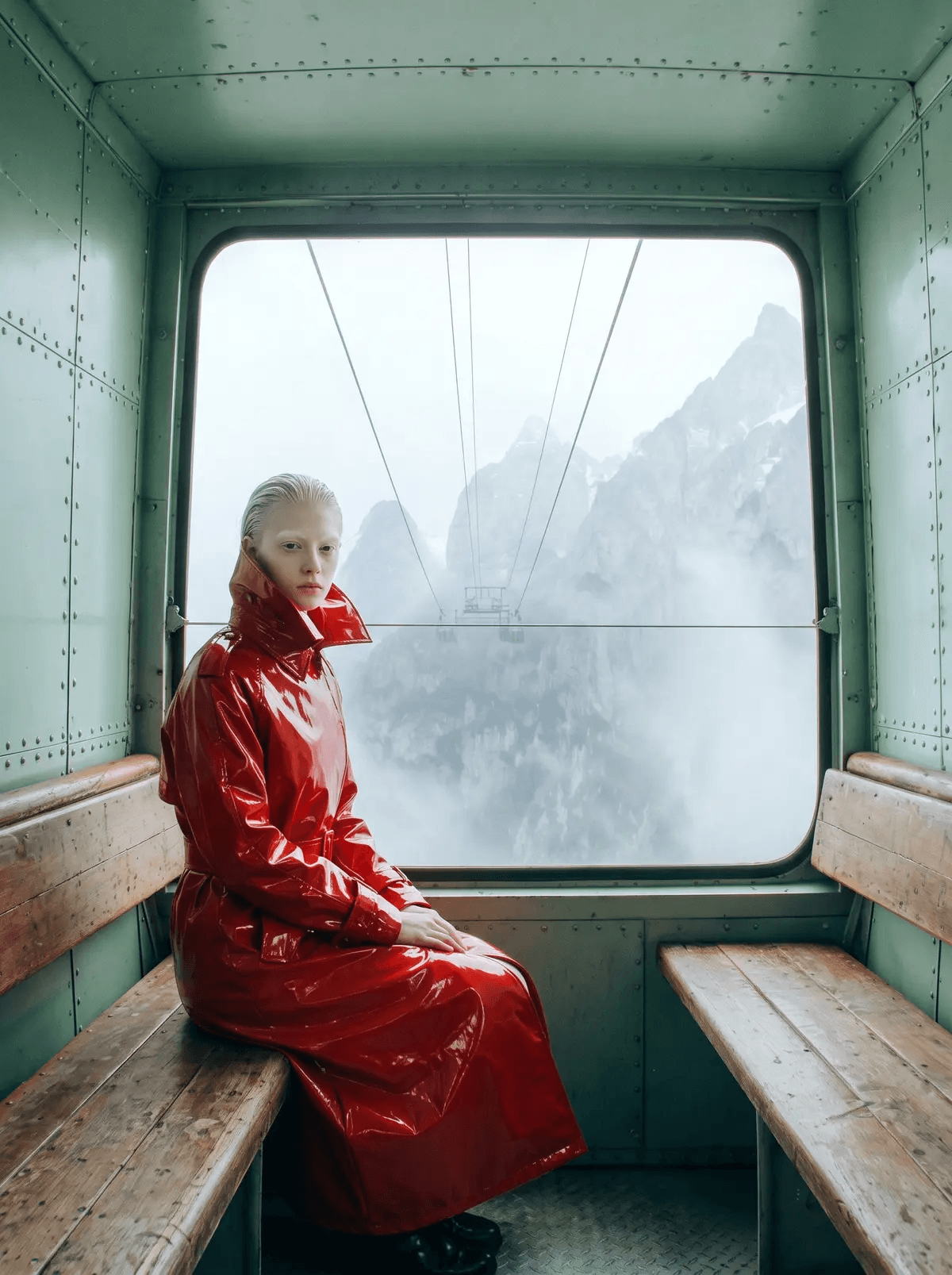
Nano Banana 2.1 is the latest version of Google’s image generation and editing model. It's built for more polished visual design, edit precision, and subject consistency. And thanks to Gemini, it has stronger real-world factuality, and localization abilities. Switch to Lite, Nano Banana 2, or Pro when you have less demanding needs surrounding speed, cost, or control.
Turn facts, notes, and real-world subjects into more accurate infographics, diagrams, and historically grounded scenes.
Translate text into another language while preserving the image’s overall layout, typography, and visual style.
Make targeted changes with a prompt and references while keeping characters, products, and other important details recognizable.
Render at 1K, 2K, or 4K across square, portrait, landscape, and ultrawide formats—ready for campaigns, product visuals, and polished graphics.
Nano Banana 2.1 is the newest default and the strongest all-around option, combining improved visual quality, text rendering, and multi-turn consistency with Flash speed. Nano Banana 2 Lite is the fastest, lowest-cost 1K option. Nano Banana 2 is the previous-generation workhorse and covers 0.5K through 4K. Nano Banana Pro is an earlier model built for studio-style generation and editing.
Attach it and then describe the change you want.
You can attach up to 16 reference images. For the most consistent result, include only the references essential to the composition and describe the role of each one in your prompt.
1:1, 2:3, 3:2, 3:4, 4:3, 4:5, 5:4, 9:16, 16:9 and 21:9, or Auto to let the render pick its own shape.
Google’s 512px tier, offered on Nano Banana 2. Use it to rough out a composition quickly, then switch to Nano Banana 2.1 for a higher-quality 1K, 2K, or 4K render.
One image per generation, as PNG by default. Or, you can select JPEG or WEBP under "format."
Yes. Attach the design, name the target language, and describe any regional or cultural cues to preserve. For important copy, provide the exact translated text in quotation marks and review the final spelling.